On August 19, 2026, Google started putting generative UI inside AI Overviews. That is not a new ranking factor. It is a new kind of result: Search can draw a calculator, a comparison table, or a simulation on the results page instead of sending the click to the site that used to own that job. Awaneesh Verma posted it on the Google Search blog that day. Generative UI is already global in English in AI Mode. AI Overviews is the rollout that reaches people who never tap AI Mode.
This post is for one search: llms.txt test. The only product link is the free check at tools.positionmysite.com/tools/llms-txt. It will not tell you whether Google built a widget on your query. It will tell you whether ChatGPT, Claude, Perplexity, and Gemini are even allowed to read the page they would cite.
What changed on August 19, and what did not
Google framed the launch as back-to-school study tools. The SEO fact is sitting one paragraph down: “Generative UI capabilities have launched globally in English in AI Mode and have started rolling out as well in AI Overviews.” Practice quizzes, Lens coaching, notebooks in AI Mode, and custom file creation came in the same post. Those matter for students. The part that matters for a business site is simpler. The engine can now assemble the interactive thing on the SERP.
This is not the August 18–21 spam update. That update finished August 21. It has its own dates, its own dashboard entry, and its own post. Generative UI started on the 19th, in the middle of that rollout, and it is a product change, not a spam policy. If your clicks moved last week, split the two. A missing citation in an AI Overview is not proof you were in the spam set.
It is also not a reason to rewrite your title tags tonight. A generated mortgage calculator does not replace a product page Google cannot fetch. The new surface still needs a source. If GPTBot, PerplexityBot, or Google-Extended cannot crawl you, you are not in the pool.
Why an llms.txt test is the right next click
Classic SEO still asks “where do I rank.” AI search asks “can I be the citation.” Those are different files. Rankings live in Search Console. Access lives in robots.txt. Curation lives in /llms.txt.
llms.txt is a proposed markdown file at the root of your domain. llmstxt.org describes it as a short, curated overview for large language models: who you are, and which pages they should treat as canonical. It is not a robots rule. It does not grant or deny crawling. If you block the crawler, the file does not save you. If you allow the crawler and skip the file, they can still cite you, just with less guidance about which URL to pick.
Google-Extended is the robots token for Gemini and some Google AI features. Blocking it does not change ordinary Google Search rankings. It does take you out of Gemini grounding. That split is the one most teams get backwards. They copy a 2023 “block the AI bots” snippet, keep ranking in blue links, and then wonder why Gemini never names them.
What the live test actually checks
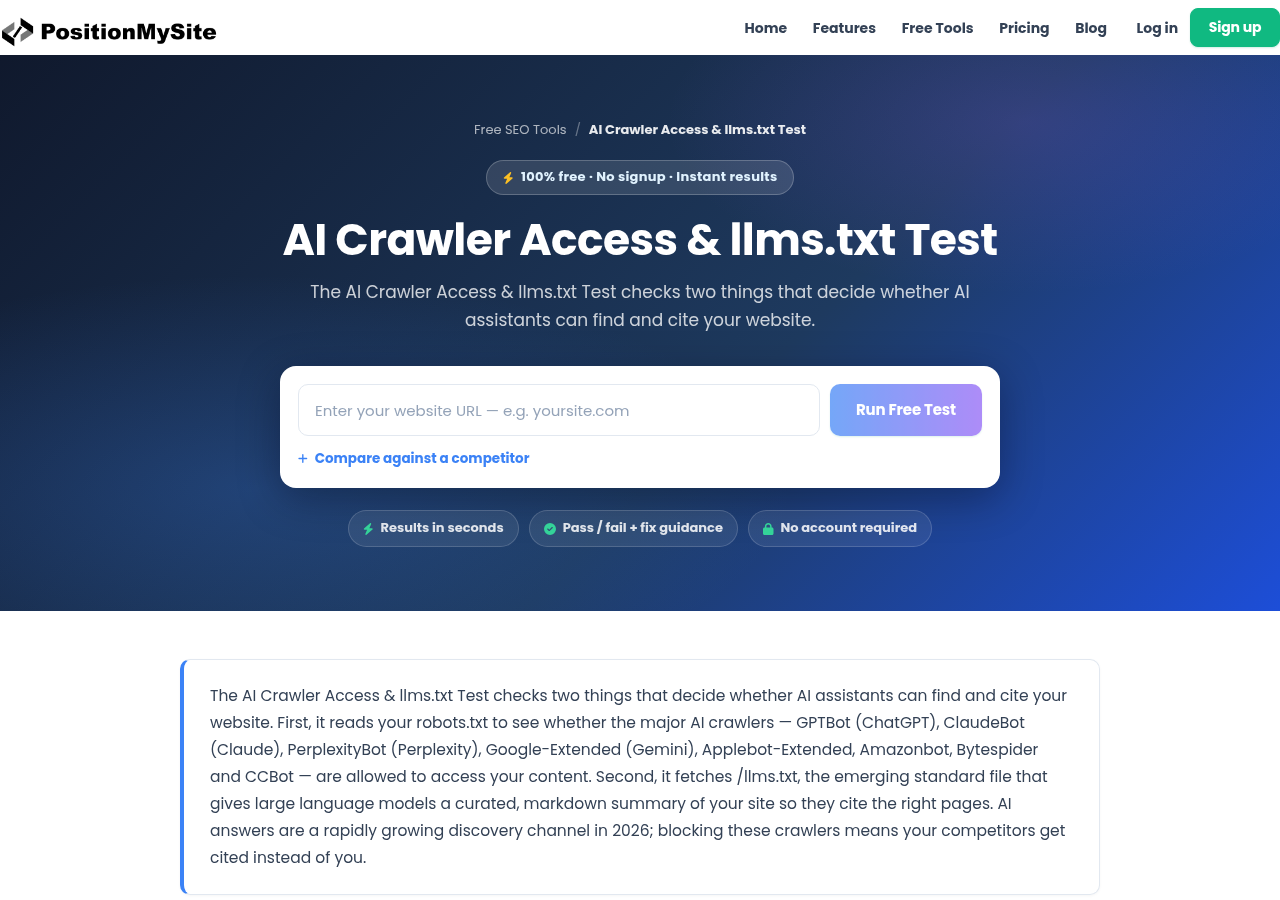
Open the AI crawler access and llms.txt test. Paste a URL. No account. It does two fetches.
First, it reads your robots.txt the way each AI user-agent would, including wildcard and default * groups. The list is specific: GPTBot (ChatGPT), ClaudeBot (Claude), PerplexityBot (Perplexity), Google-Extended (Gemini), Applebot-Extended, Amazonbot, Bytespider, and CCBot. A blanket User-agent: * Disallow: / leftover from staging fails all of them. A copy-pasted AI blocklist from 2023 fails the search-facing ones even if Googlebot is still allowed.
Second, it requests /llms.txt at the domain root. Missing file: warning. Present and readable: pass on that half. The test fails when the main AI search crawlers are blocked. That is the order you want. Access first. The markdown file second.
It will not score your content. It will not tell you if an AI Overview already uses you. It will tell you if those systems are allowed to look.
How to read the result without lying to yourself
If GPTBot or PerplexityBot is disallowed, stop there. You are invisible to those answer surfaces until you change robots.txt. No amount of “AI-ready copy” on a blocked URL will leak through. Open robots.txt, find the group, and remove the Disallow for any crawler you actually want citations from. Keep a block only when you have a licensing reason, not a vibe.
If Google-Extended is disallowed and you still want Gemini, same fix. Do not confuse that with a ranking recovery. Search Console clicks can look fine while Gemini is empty.
If the crawlers are allowed and /llms.txt 404s, that is the cheap win. Put a short markdown file at https://yourdomain.com/llms.txt. Site name in an H1, one-line summary, then the ten pages you would actually want cited, each with one sentence. Keep it small. Update it when those URLs change. Do not list every blog post from 2019.
If llms.txt exists but points at noindexed URLs, redirect chains, or pages that themselves block crawlers, you published a map to nowhere. Run those URLs separately. The test on the homepage will not save a broken canonical on the page you listed.
Training-only crawlers (CCBot, Bytespider) are a separate decision. Many sites allow GPTBot and PerplexityBot and still block the training scrapers. That is a real policy call. Do it on purpose. Do not leave it as whatever the generator dumped into robots.txt in 2023.
A 20-minute pass after this week’s Search change
You do not need a new content calendar because Google can now draw a pH scale. You need to know whether the crawlers that feed those surfaces can reach you.
- Run the llms.txt test on the live domain, not staging.
- Fix any Disallow on GPTBot, ClaudeBot, PerplexityBot, or Google-Extended unless you mean it.
- Publish or repair
/llms.txtso it lists the pages that should be the citation, not the contact form. - Re-run the test after the robots.txt change. Do not assume the CDN picked it up.
If the test is green and you still never appear in an AI answer, that is a content and entity problem, not a file problem. This page is the access check. It is not a ranking product and it is not a spam diagnostic.
Paste the URL into the free llms.txt test and see which of those two files is actually in the way.